How to Register and Use Google Gemini?
📌 1. Background of Google gemini
- Developer: Google DeepMind (after the merger of Google Brain and DeepMind)
- Previously called Bard, renamed Gemini at the end of 2023.
- Google positions it as a native multimodal model (not only text, but also images, audio, video, code, etc.).
📌 2. Model Architecture and Features
- Designed as natively multimodal (text, code, images, video, and audio can all be understood simultaneously).
- In Google’s papers and tests, Gemini surpasses GPT-4 in some reasoning tasks and multimodal tasks.
- Deeply integrated with Google Search, Workspace (Docs, Sheets, Gmail), Android, and YouTube.
📌 3. Functions of Google Gemini
- Stronger multimodal processing capability (e.g., looking at a math problem photo and directly providing the solution steps).
- Integrated with the Google product ecosystem: writing emails in Gmail, reports in Docs, automatic table analysis in Sheets, and video summaries in YouTube.
- Excellent mobile experience, already integrated into Pixel phones and the Google AI app.
📌 4. Usage
- Platforms: gemini.google.com / Google App / Android (partially built-in).
- Versions: Free (Gemini 1.5 Flash) and paid Gemini Advanced (Gemini 1.5 Pro).
- API: Provided through Google AI Studio and Vertex AI.
📌 5. How to Register and Use Gemini
- Before using Gemini, you must have a Google account.
- However, users in mainland China need to access Google through a VPN.
- Therefore, you first need a VPN. Below are several recommended providers:
Recommended VPN Providers
- These VPN providers charge by data usage, and their websites include installation and usage tutorials.
- After purchasing data, there is no time limit — you can use it until the data is used up.
| Name | Price | Data | Number of Nodes |
|---|---|---|---|
| Mojie | ¥1 | 2G | 48 |
| Pikachu | ¥4.5 | 10G | 42 |
| WJKC | ¥7 | 20G | 54 |
| Feiniaoyun | ¥10 | 200G | 30 |
| Yifen | ¥12 | 100G | 40 |
| NFSQ | ¥15 | 200G | 30 |
| Niubi | ¥13 | 200G | 41 |
| Xinggui | ¥12 | 60G | 57 |
| Mineral Water | ¥70 | 80G | 43 |
| Super Cheap | ¥34 | 666G | 40 |
| CrossWall | ¥30 | 200G | 27 |
| Starlink | ¥15 | 1000G | 40 |
| Feitu | ¥30 | 100G | 80 |
| Ofopp | ¥40 | 100G | 70 |
| Qiansumao | ¥68 | 512G | 46 |
| Naiyun | ¥98 | 280G | 140 |
Registering a Google Account
- Since registering a Google account requires a stable IP address and a clean network environment,
- It is recommended not to use free VPNs, but instead use one of the providers listed above.
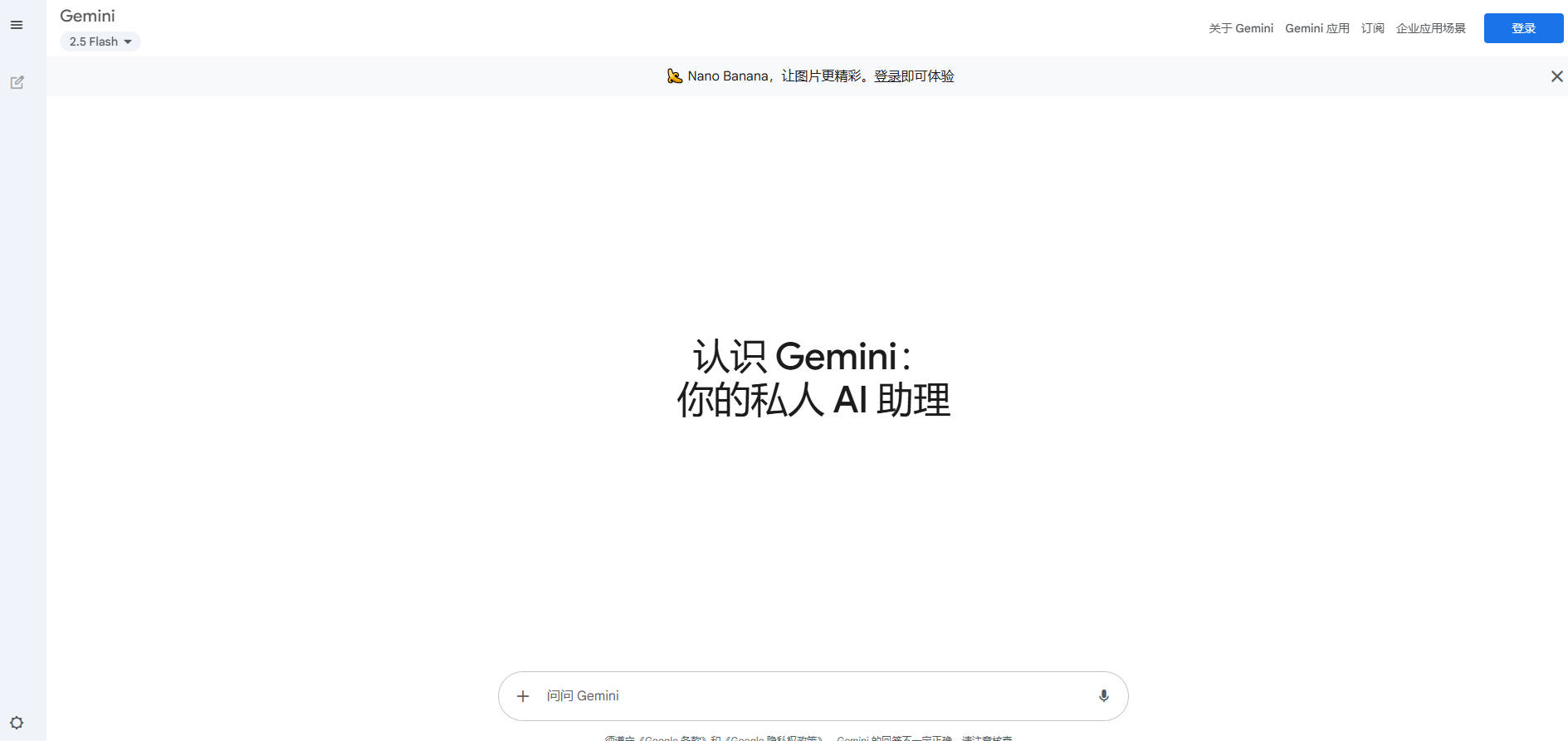
- First, open the Gemini website.
- Registering a Google account requires a foreign mobile phone number to receive SMS.
- Without a foreign phone number, you cannot register.
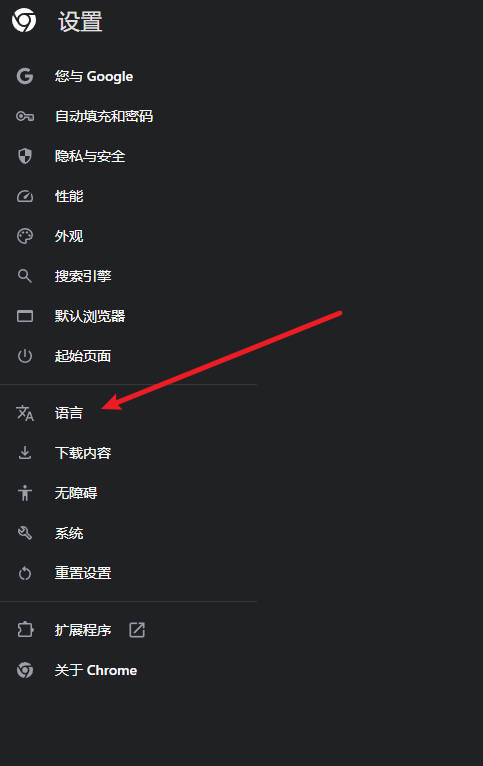
- Therefore, to bypass this restriction, set your browser language to English.
- This way, during registration, it usually won’t ask you for SMS verification.
- Due to network instability, if registration still fails,
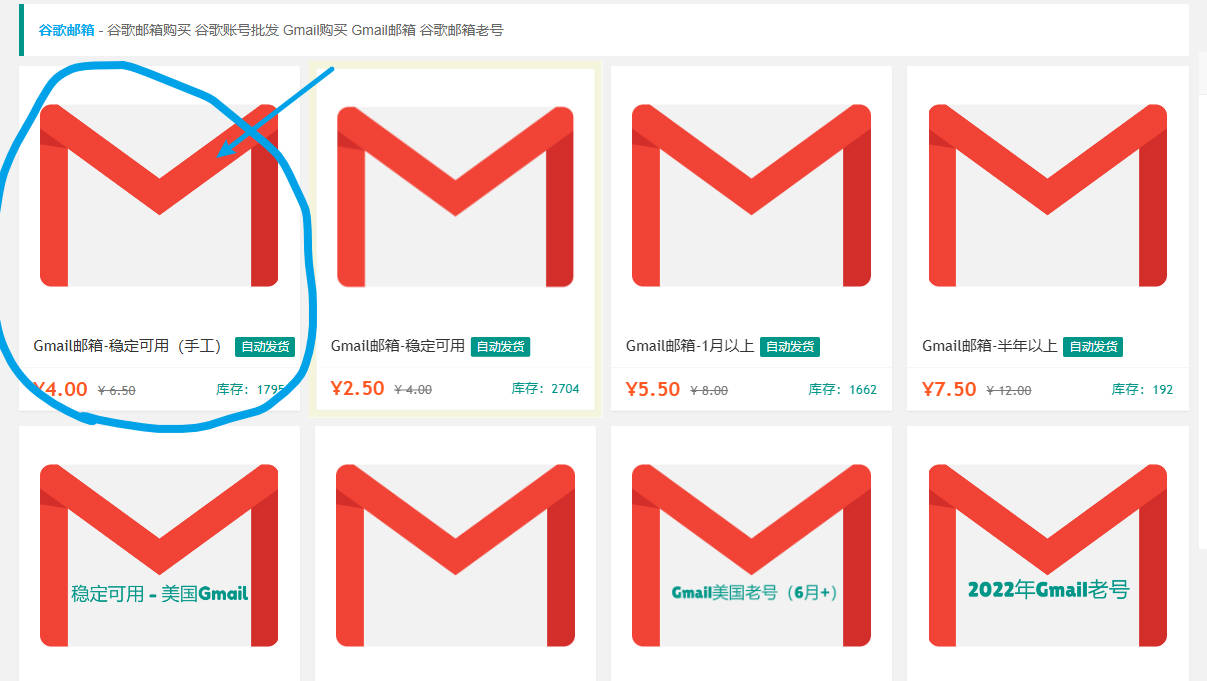
- Please go to this website and purchase one. Be sure to buy a newly registered account,
- Because older accounts may not be able to access Google Gemini.
- Website: https://www.henduohao.com/#%E8%B0%B7%E6%AD%8C%E8%AF%AD%E9%9F%B3(Google%20Voice)
- Once the above steps are successfully completed, you can access Google Gemini.
- If you have any questions, please email me: leeulen60@gmail.com