Introduction to Google Accounts (Gmail) #
Google is one of the world’s leading technology companies. As of August 2026, its parent company’s market value was approximately USD 2.18 trillion, while Baidu’s was around USD 31.1 billion.
Google was founded in 1996 by Stanford graduate students Larry Page and Sergey Brin, who developed a new search engine based on web page links. The company was officially established in 1998 (initially operating from a garage). Today Google offers far more than a search engine: Ads, Gmail, Google Drive / Workspace, Docs, Android, Chrome, Maps, YouTube, Gemini, Pixel phones, Blogger, Google Voice, Google Sites, and more.
Key point: Almost all of these services can be used with a single Google Account (Gmail).
How to Register a Google Account #
1. Tools You Need #
- VPN / proxy tool
- Google Chrome browser
- Phone number (for SMS verification in some cases)
- A regular email address
2. Download and Use a VPN Tool #
A VPN helps your device access the open internet and bypass certain network restrictions. In regions where YouTube, Facebook, TikTok, etc. are blocked, a VPN is commonly required.
Examples of countries/regions where Google services may be restricted: China, North Korea, Iran, Turkmenistan, Syria, Cuba, Turkey, India, Vietnam, Russia, and others.
Recommended clients by platform:
| Device | Download |
|---|---|
| Android | v2rayNG |
| Windows | v2rayN |
| iPhone | Shadowrocket |
| Mac | Karing |
| Linux | Karing |
2.1 Install v2rayN on Windows (Example) #
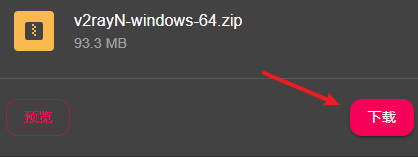
- Extract the archive and run
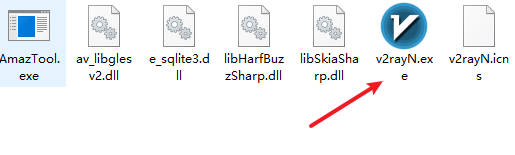
v2rayN.exe
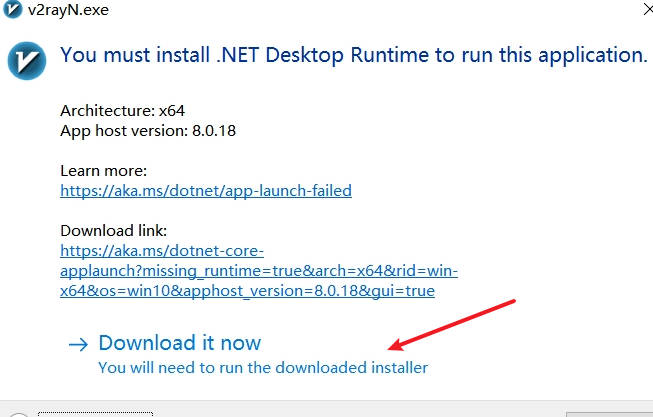
- On first launch, download and install the required plugin when prompted
- Open the program again to reach the main interface
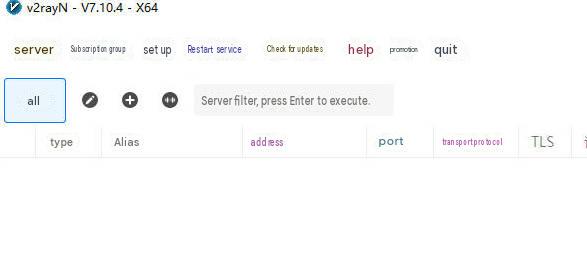
2.2 Purchase a Subscription #
After installing the client you still need nodes. Example using Baobei Cloud:
Open Baobei Cloud → Register with an email and log in
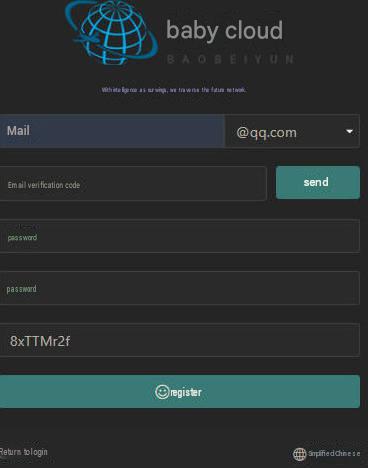
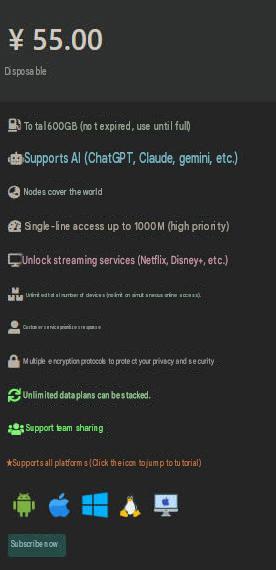
- Click “Buy Subscription” and choose a plan (e.g. 55 CNY / 600G)
2.3 Import Subscription and Enable Proxy #
- After payment, go to Dashboard → One-click Subscription → Copy the link
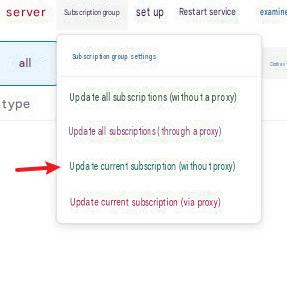
- In v2rayN: Subscription Group → Settings → Add → Paste the link
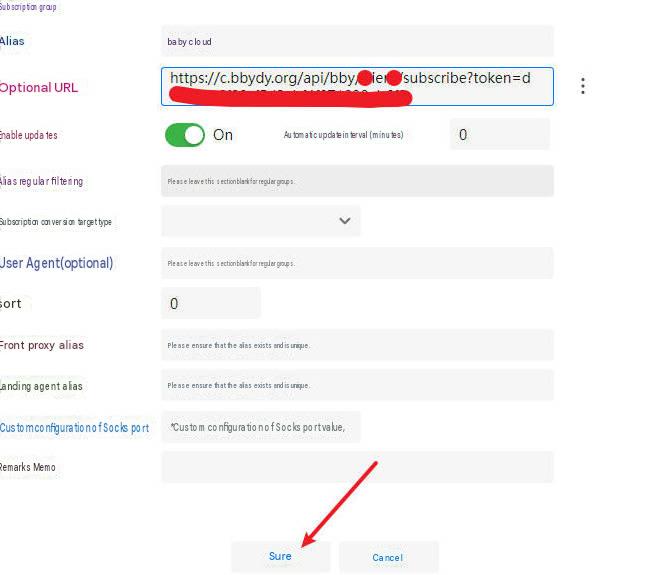
- Update the subscription
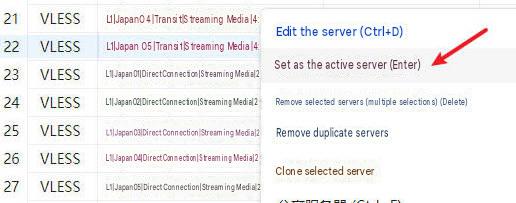
- Right-click a node → Set as Active Server
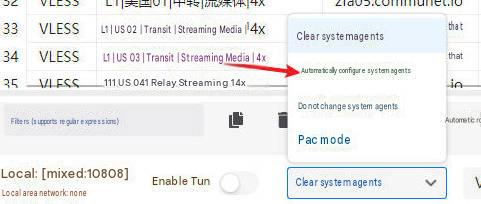
- At the bottom, select “Automatic System Proxy”
2.4 Recommended Services #
- Charged by traffic volume; tutorials available on the websites
- No time limit after purchase — use until traffic runs out
| Name | Price | Traffic | Nodes |
|---|---|---|---|
| 魔戒 | 1 CNY | 1G | 30 |
| 网际快车 | 7 CNY | 20G | 54 |
| 牛逼 | 14 CNY | 200G | 31 |
| 飞鸟 | 10 CNY | 200G | 25 |
| 皮卡丘 | 15 CNY | 20G | 40 |
| happy猫 | 20 CNY | 200G | 27 |
| 农夫山泉 | 45 CNY | 200G | 40 |
| 宝贝云 | 55 CNY | 600G | 64 |
| 自由猫 | 65 CNY | 500G | 71 |
| 飞兔 | 30 CNY | 100G | 80 |
3. Steps to Register a Google Account #
Use Google Chrome for registration.
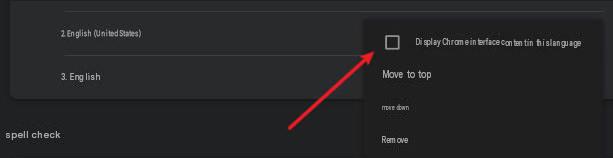
- Open Chrome (preferably set to English)
- Enable your proxy, then visit the Google account creation page and choose to create an account
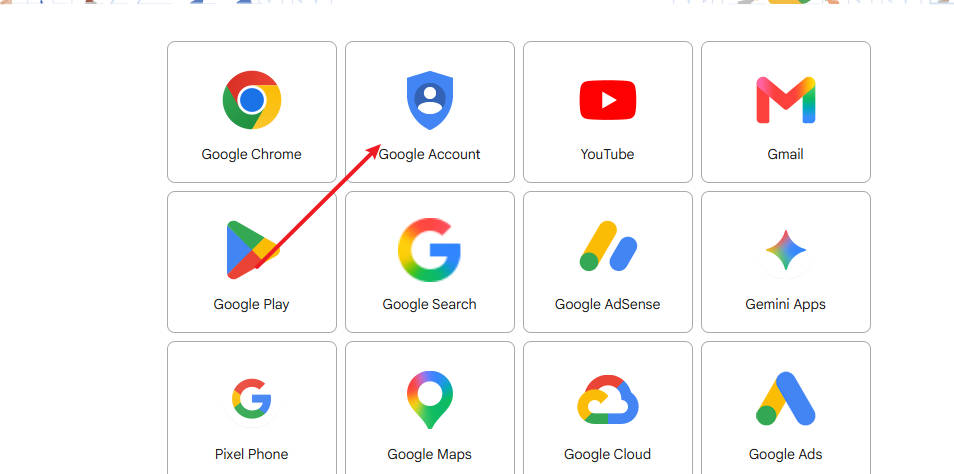
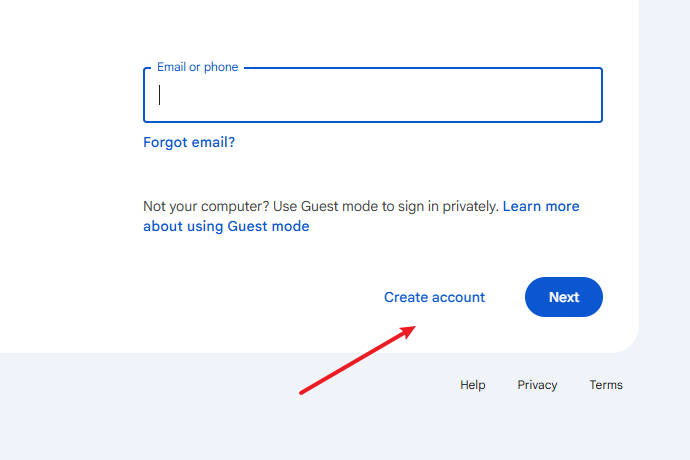
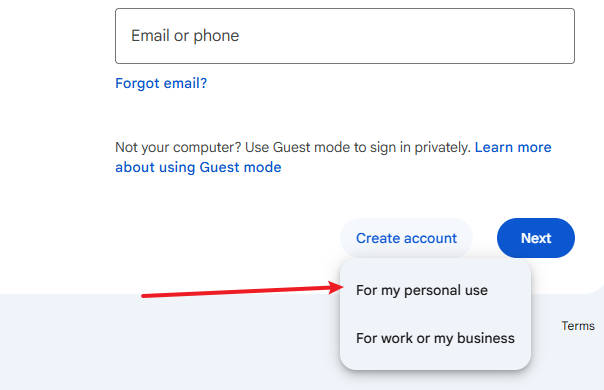
- Select “For my personal use”
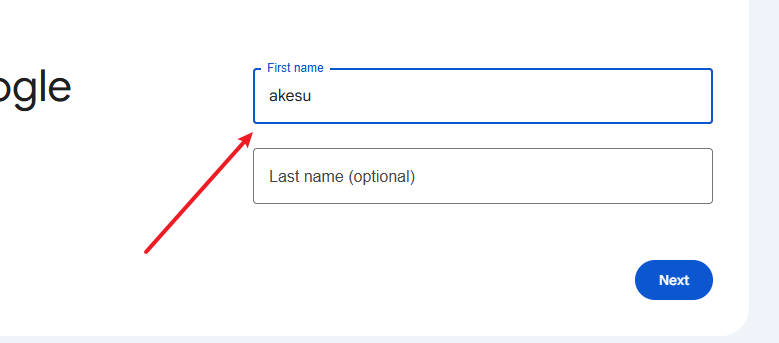
- Enter your name
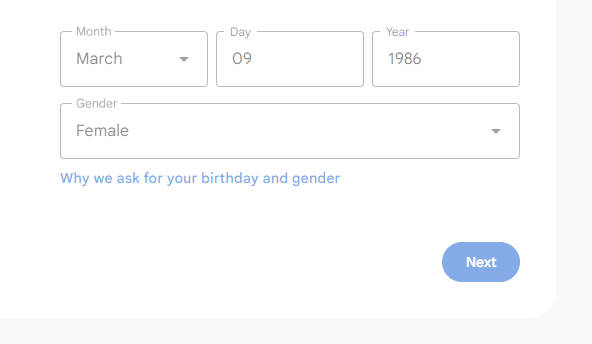
- Enter date of birth (must be 18+) and gender
-
Choose a username (email address)
-
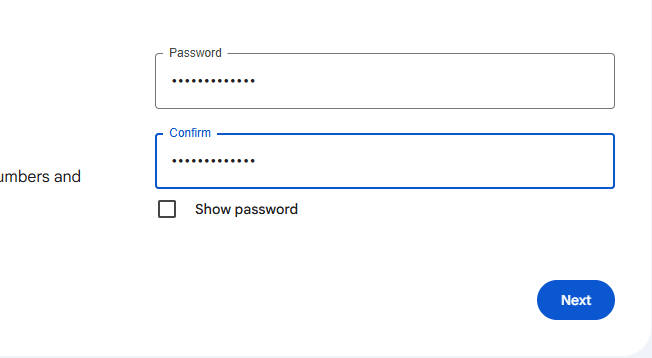
Set a password (enter it twice)
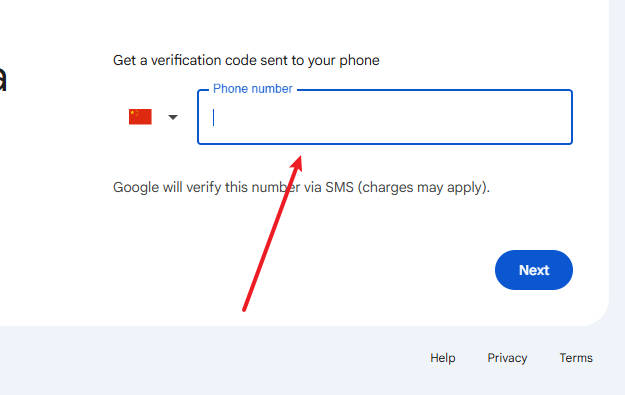
- Enter a phone number (can sometimes be skipped)
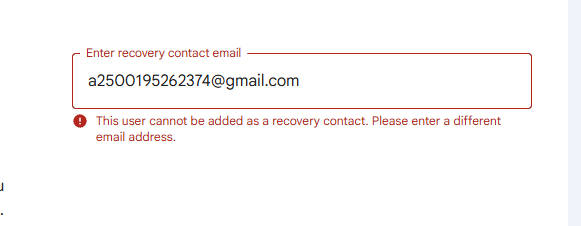
- Choose Skip if available
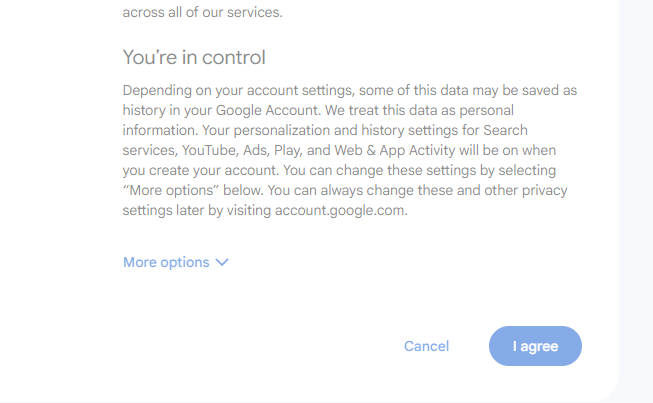
- Agree to the terms
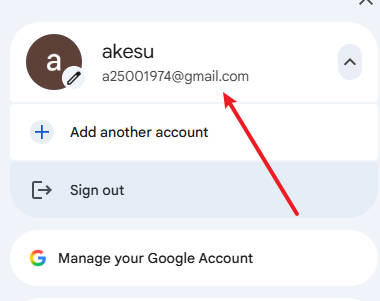
- Registration complete — you will see your account page
In many cases a foreign phone number is not required. If verification still fails or SMS is not received, the proxy node is usually the issue. Contact leeulen60@gmail.com for assistance.